- Box from corners
- Cylinder/cone from 2 centers
- Torus from 2 sizes
Box from corner
This option allows you to create boxes from the coordinates of their two opposite corners. You can enter the coordinates manually or derive them from the bounding box of any mesh in the scene. This utility lets you select the type of edges for the resulting object from these possible values:-
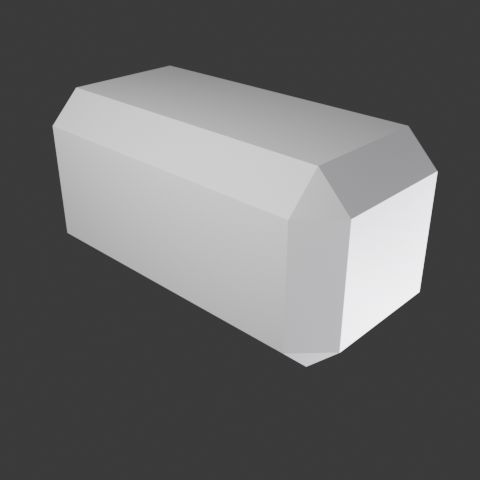
- Bevel edges
-
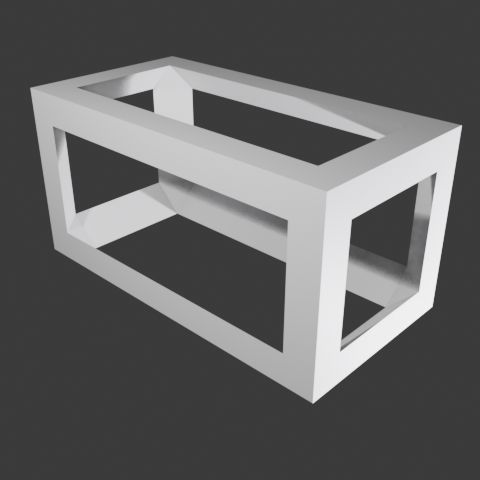
- Bevel edges inverse
-
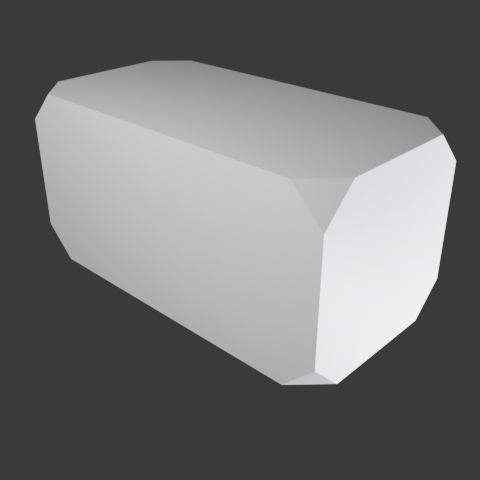
- Crop corners
-
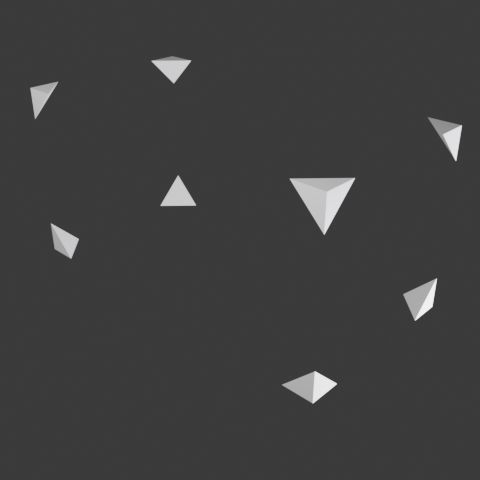
- Crop corners inverse
-
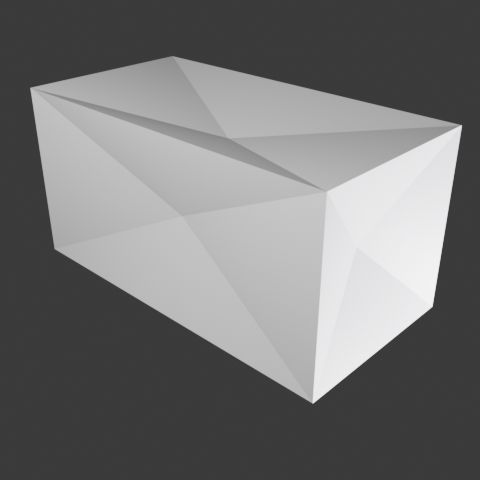
- Deflate faces
-
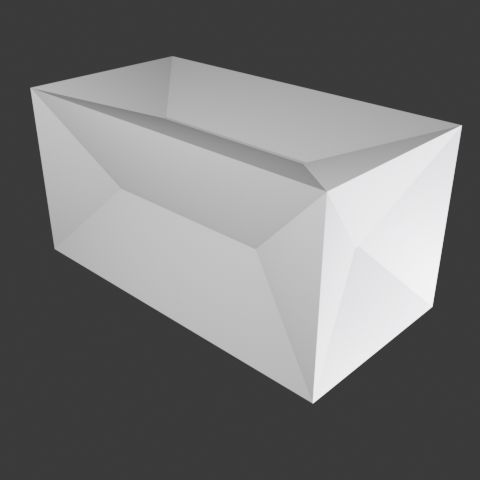
- Deflate regular
-
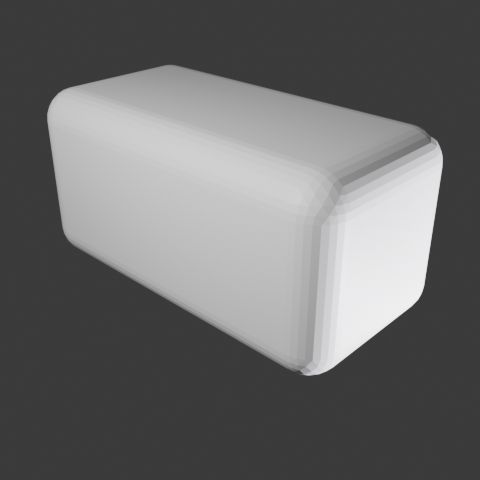
- Rounded edges
-
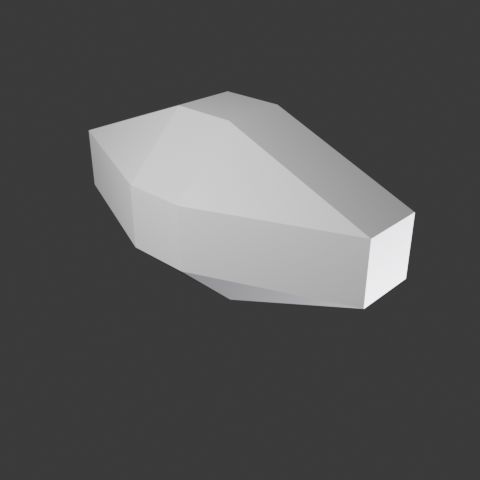
- Inscribed octahedron
-
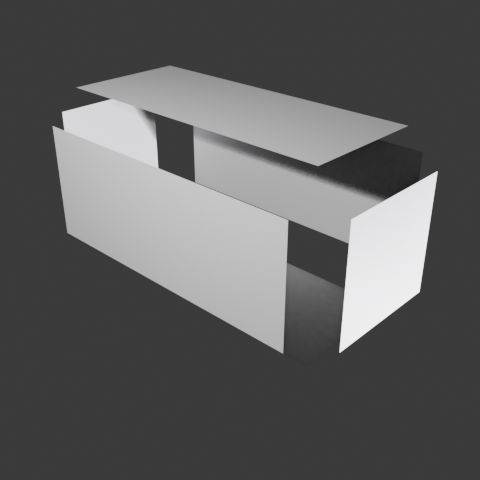
- Separate faces
-
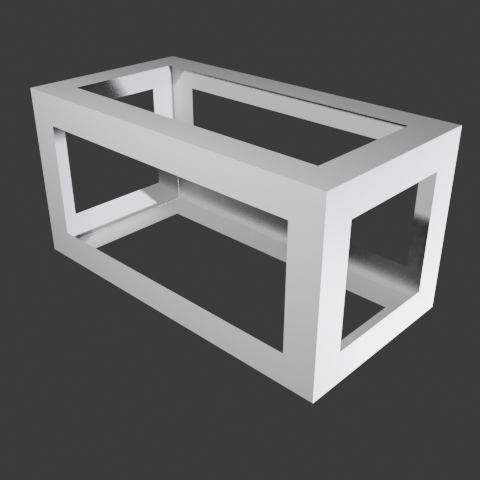
- Separate faces inverse
-
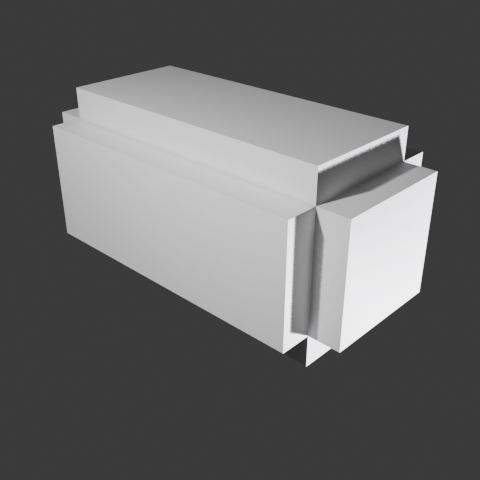
- Sunken edges
-
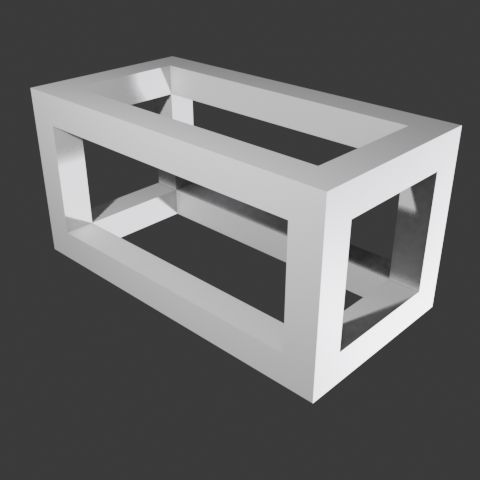
- Sunken edges inverse
Demonstration Video
In this video you can see the plugin in action:Cylinder/cone from 2 centers
This option allows you to create cones or cylinders from the coordinates of their two opposite centers and their radii, or from two connected spheres. You can enter the coordinates manually or derive them from the opposite corners of the bounding box of any mesh in the scene. This utility lets you select the type of edges for the resulting object from these possible values:-

- No effect
-
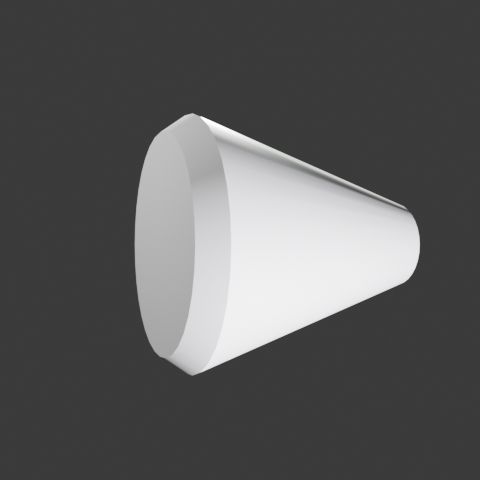
- Bevel
-
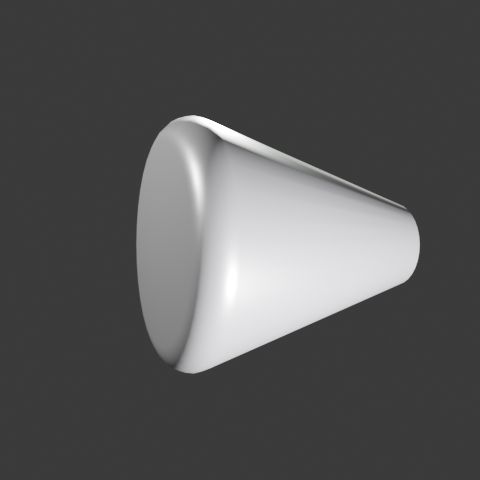
- Rounded
-
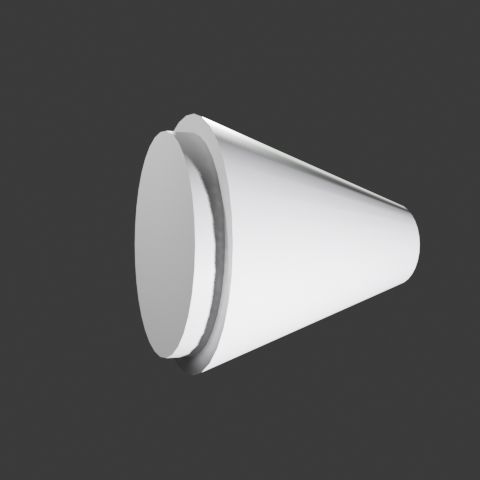
- Stud
-
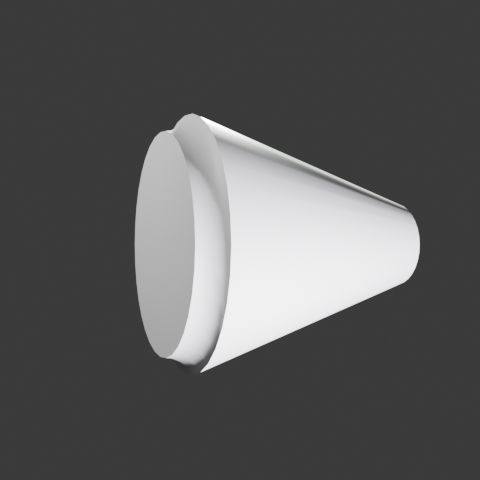
- Scoop
-
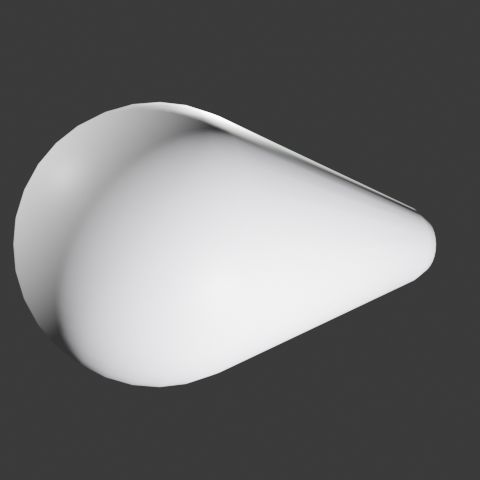
- Connected spheres
- Rect
- Bevel
- Rounded
- Stud
- Scoop
Torus from 2 sizes
With this new option you can create torus like objects from x and y measures and choosing the profile tipe. see the new mesh option in this sample videoUpdate 2026/01/23
This new version adds the following options to Torus from 2 sizes: Choose the generation plane: x, y, or z. Total torus size: Centered, internal, or external.Ç New profiles: Triangles pointing inward or outward from the torus.
How to Install
Once downloaded, follow these instructions to install it:- Download the
.zipfile from this page. - In Blender, go to Edit → Preferences → Add-ons → Install.
- Select the downloaded file and activate it.
Download
extra_meshes_arakne_2026_01_18Older versions
- New with Torus from 2 sizes mesh extra_meshes_arakne_2026_01_18
- arakne_meshes_2025_12_09