This Blender plugin, developed in Python, allows you to create Blender meshes with just a few parameters. The available meshes are:
- Box from corners
- Cylinder/cone from 2 centers
- Torus from 2 sizes
Box from corner
This option allows you to create boxes from the coordinates of their two opposite corners. You can enter the coordinates manually or derive them from the bounding box of any mesh in the scene.
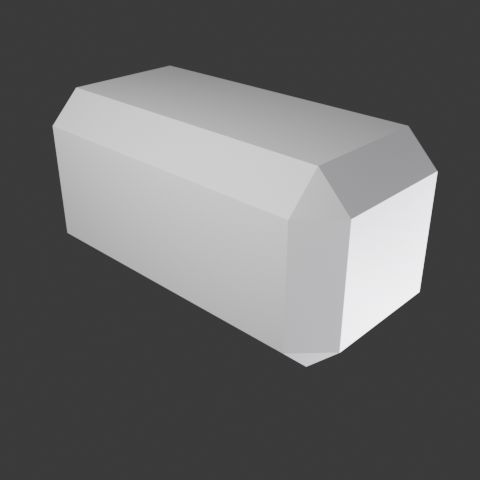
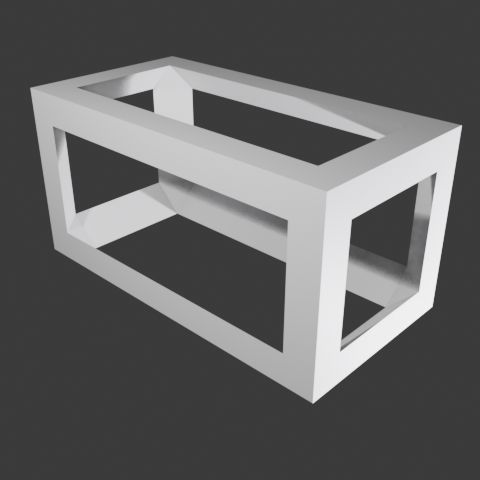
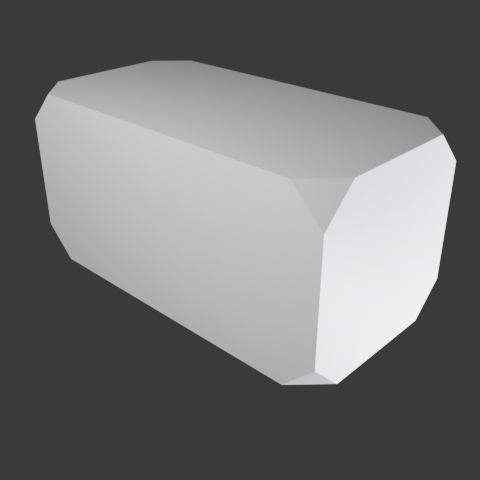
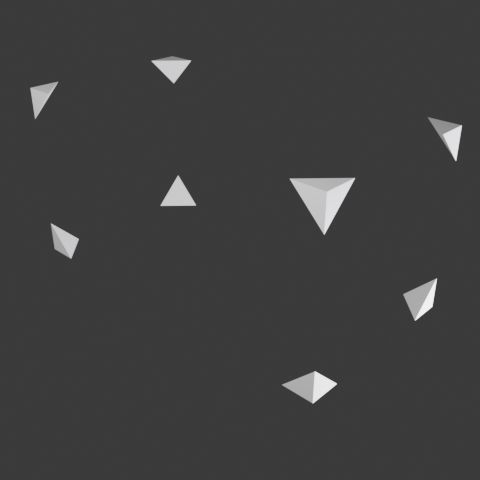
This utility lets you select the type of edges for the resulting object from these possible values:
-
-
Bevel edges
-
-
Bevel edges inverse
-
-
Crop corners
-
-
Crop corners inverse
-
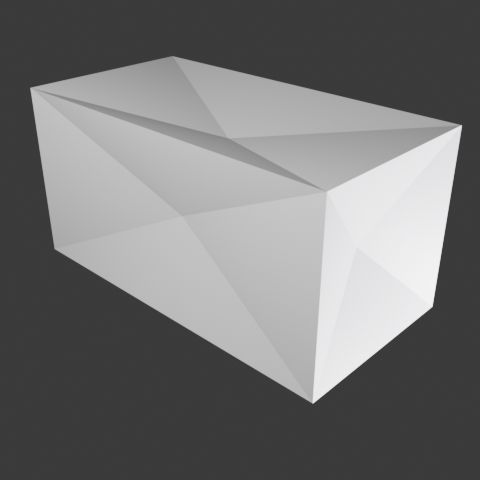
-
Deflate faces
-
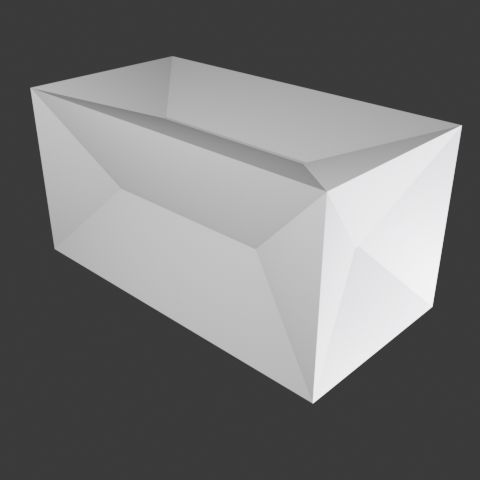
-
Deflate regular
-
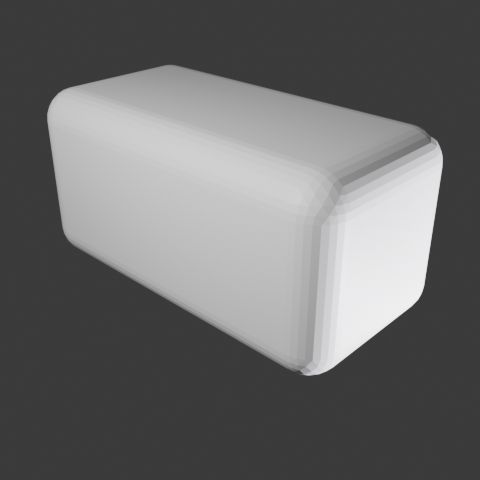
-
Rounded edges
-
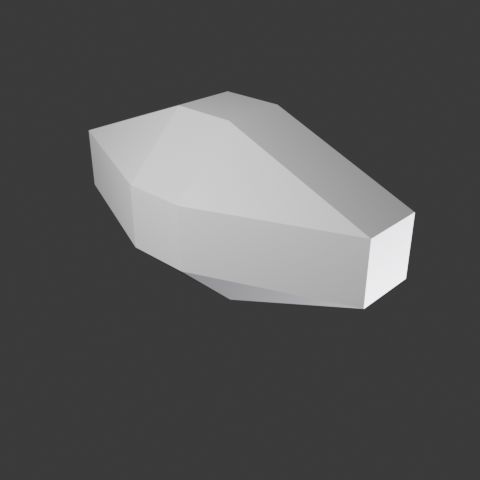
-
Inscribed octahedron
-
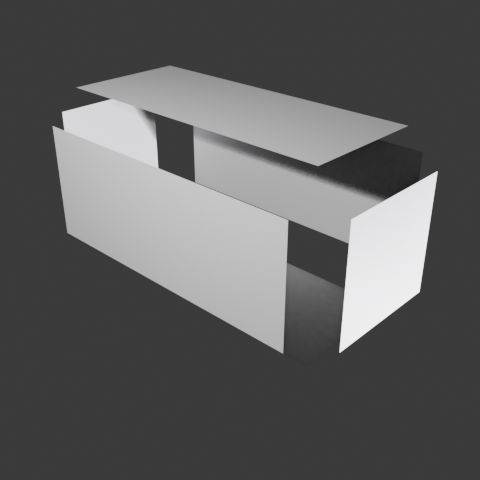
-
Separate faces
-
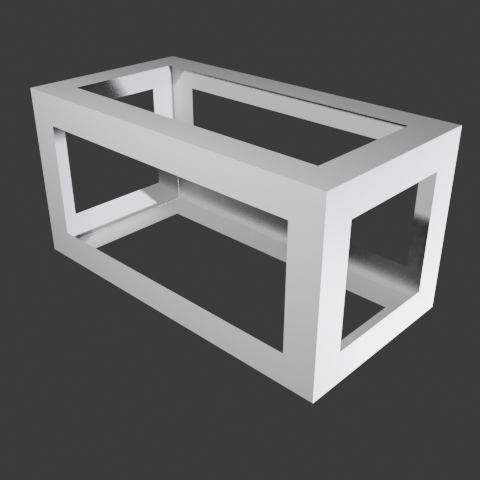
-
Separate faces inverse
-
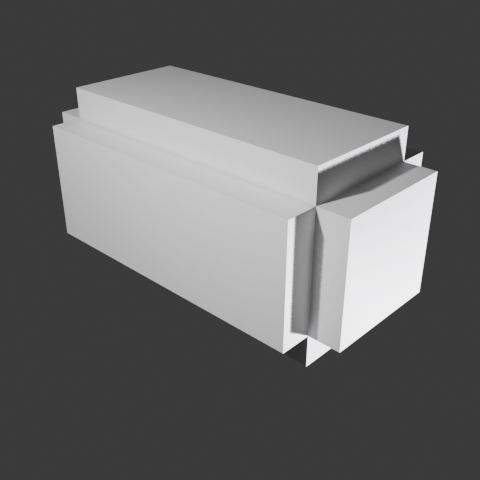
-
Sunken edges
-
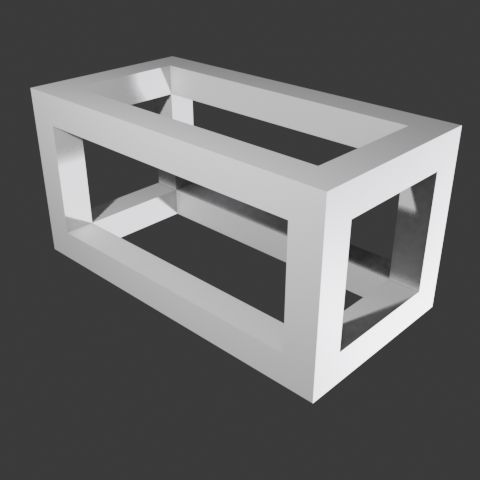
-
Sunken edges inverse
Some of these options allow you to achieve the inverse effect.
Once installed and activated, you can access the addon from the
Add>
Mesh>
Box from corners menu in the 3D editor
Viewport, or from the sidebar (
View>
Sidebar (N key)) in the Misc tab.
Demonstration Video
In this video you can see the plugin in action:

Cylinder/cone from 2 centers
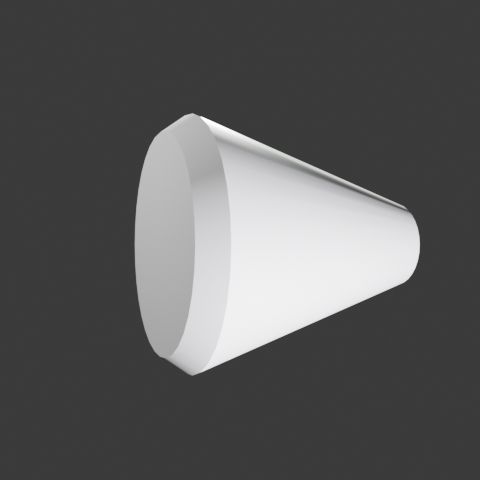
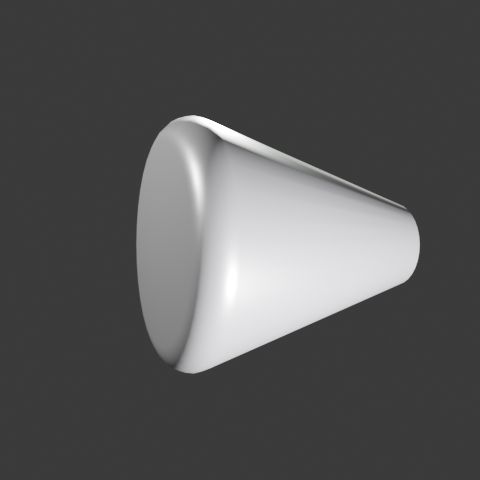
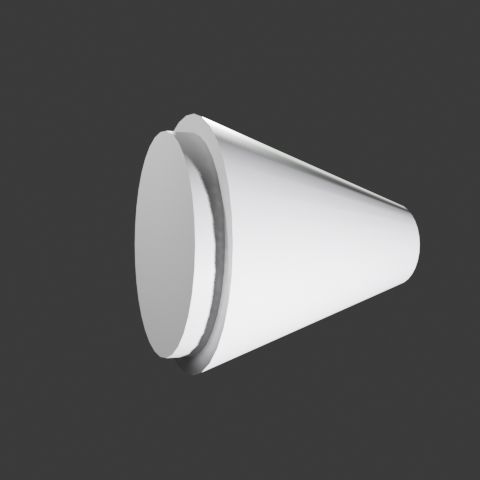
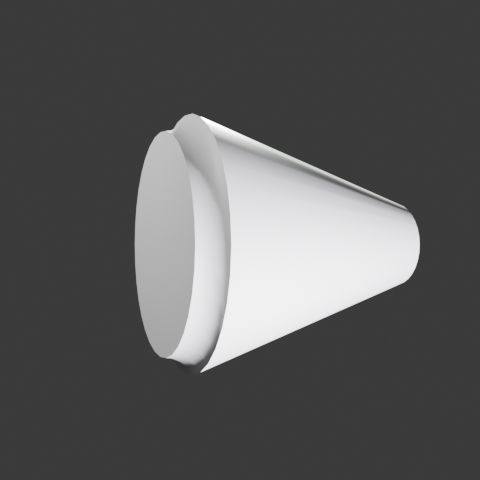
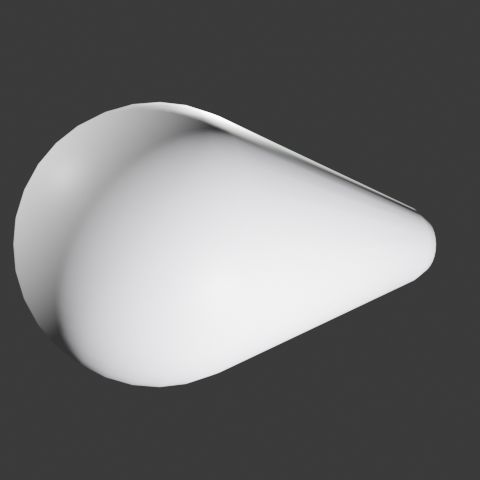
This option allows you to create cones or cylinders from the coordinates of their two opposite centers and their radii, or from two connected spheres. You can enter the coordinates manually or derive them from the opposite corners of the bounding box of any mesh in the scene.
This utility lets you select the type of edges for the resulting object from these possible values:
-

-
No effect
-
-
Bevel
-
-
Rounded
-
-
Stud
-
-
Scoop
-
-
Connected spheres
- Rect
- Bevel
- Rounded
- Stud
- Scoop
You can see an example of using this option in this video:

Torus from 2 sizes
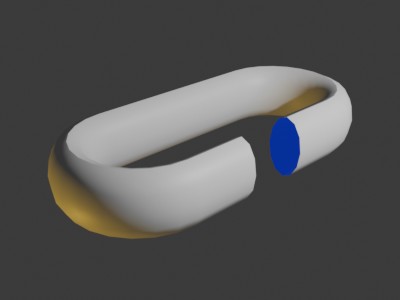
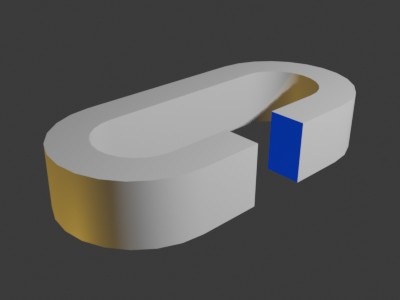
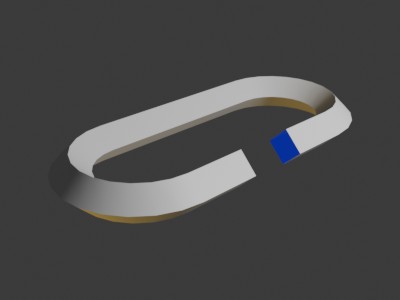
Create torus like objects from x and y measures and choosing the profile type. See the new mesh option in this sample video

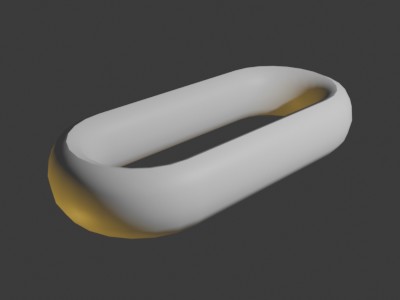
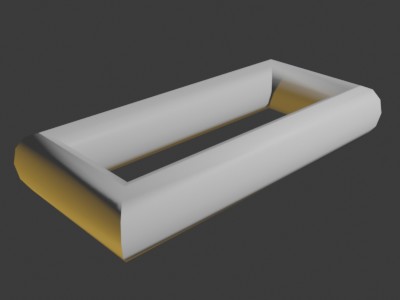
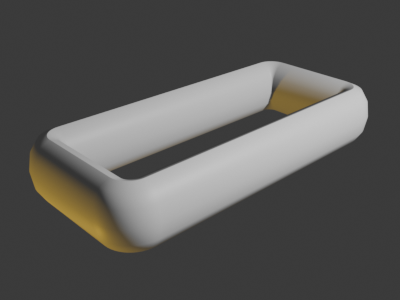
The types of mesh:
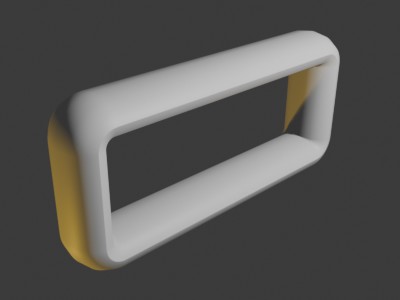
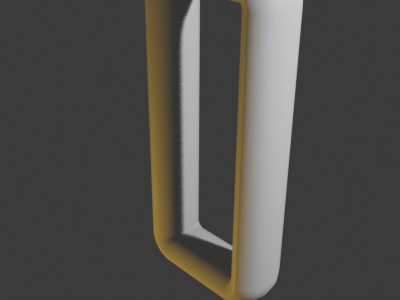
Samples of planes:
Profile samples:
-
-
Circle
-
-
Rectangle
-
-
Rombus
-
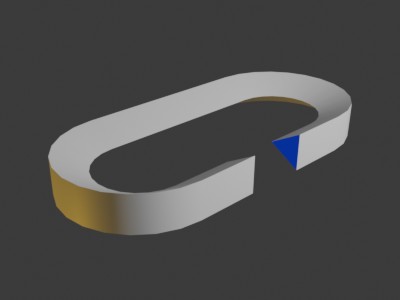
-
Triangle equilateral A (Pointing inside)
-
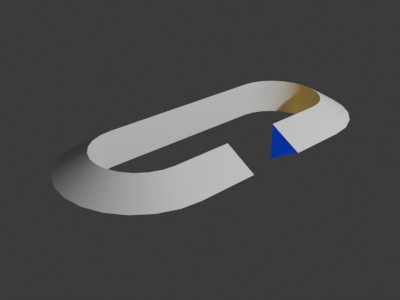
-
Triangle equilateral B (Pointing outside)
-
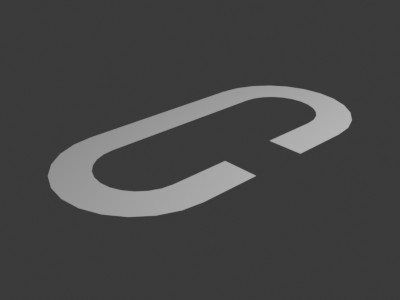
-
Line horizontal
-
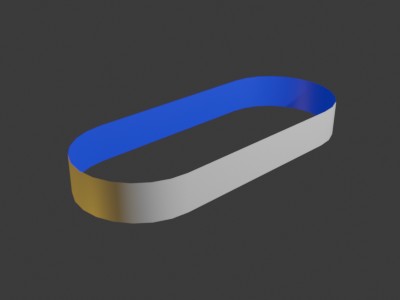
-
Line vertical
-
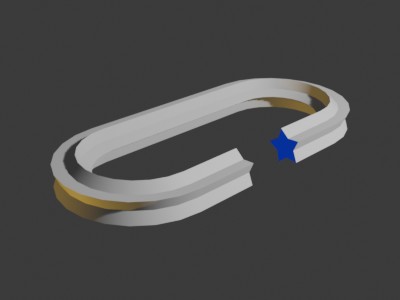
-
Star (5 points)
Updates
- 2026/03/11 Added to Torus from 2 sizes: Any flat mesh generated in the X plane can now be selected as a profile. Checkboxes to reflect profiles on either axis. Removed some profiles that can be created using the reflect options.
- 2026/02/12
Changes to Torus from 2 sizes:
Added two shapes: frame with straight or rounded corners.
Rotation of the profile used to generate the “Toroid”.
New profiles: Horizontal/vertical line and star
- 2026/01/23
This new version adds the following options to Torus from 2 sizes: Choose the generation plane: x, y, or z.
Total torus size: Centered, internal, or external.
New profiles: Triangles pointing inward or outward from the torus.


How to Install
Once downloaded, follow these instructions to install it:
- Download the
.zip file from this page.
- In Blender, go to Edit → Preferences → Add-ons → Install.
- Select the downloaded file and activate it.
Download
extra_meshes_arakne_2026_02_12
Older versions
Cool!